Tell FieldGuide what is happening.
Know what to do next.
FieldGuide helps smallholders, farm owners, and agronomists across Africa and Asia start from the real field moment: a crop problem, a voice note, a question, a location, or a daily update. It brings diagnosis, knowledge, map context, language access, and farm memory into one mobile workflow, so every season teaches the next.
Likely a nitrogen shortage at flowering. Top-dress with urea if rain is coming, and check a few plants first.
Why East block (2.3 ha, maize at 10 weeks), your 3 logs this month, and this field's past season: nitrogen, not disease. Use as guidance, then verify.
Tell me what you do next and I will save it to your farm record.
Show, speak, or type what is happening. FieldGuide answers with your farm's context, in your language.
The question that shapes every day on the farm
"What needs my attention right now, and what should I do about it?"
FieldGuide is built around that question. Notice the issue. Ask for guidance grounded in your farm's context. Record what you did. Carry the answer forward so the next decision starts with memory, not guesswork.
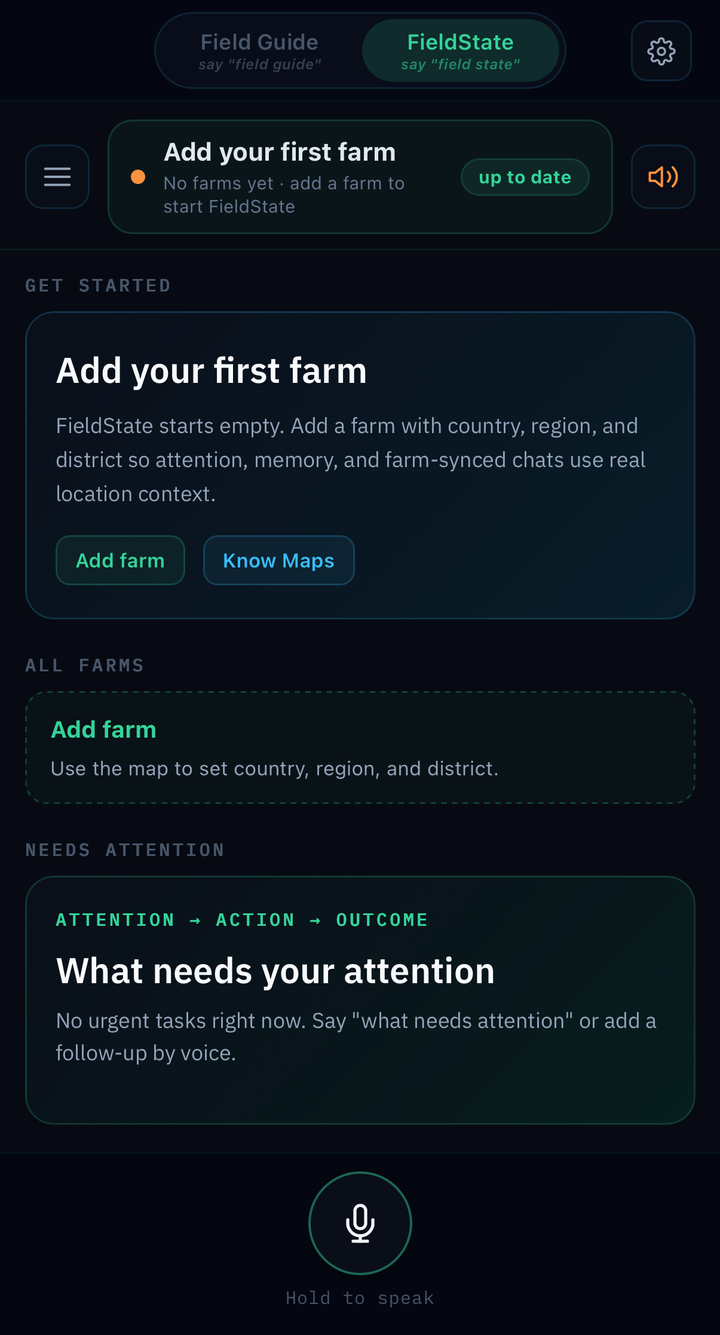
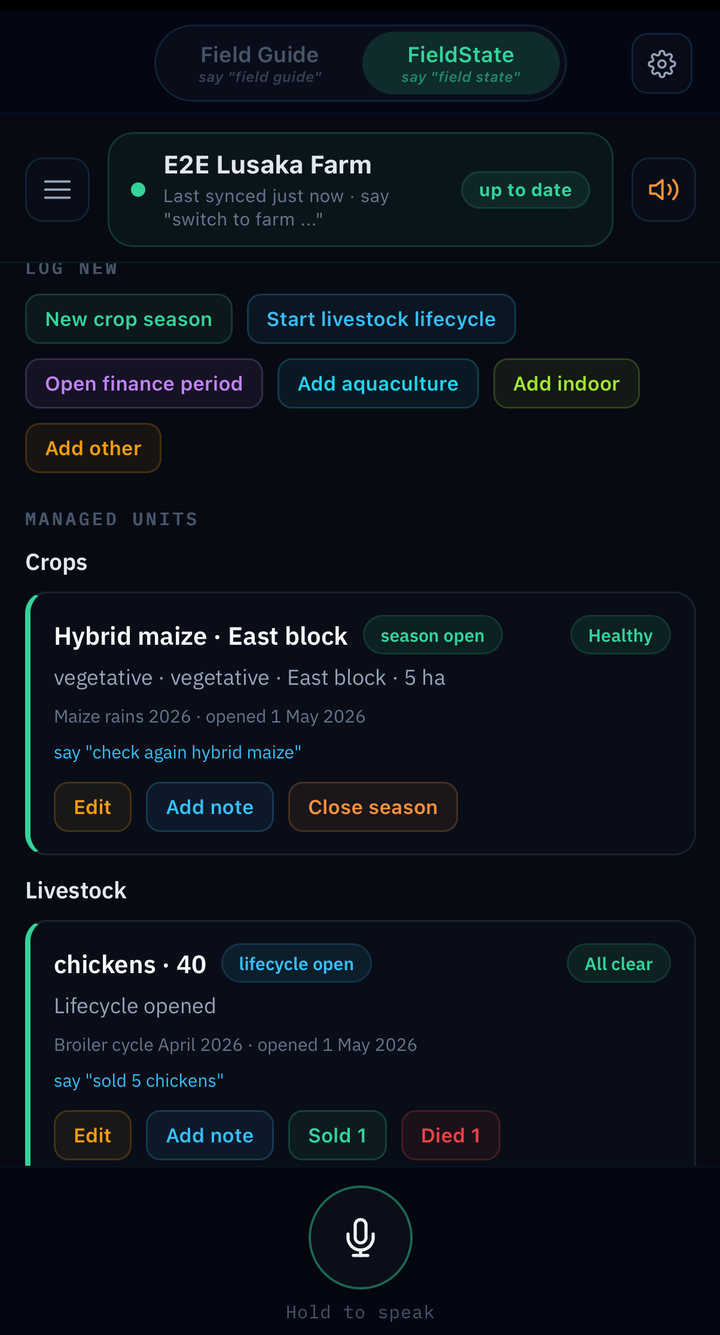
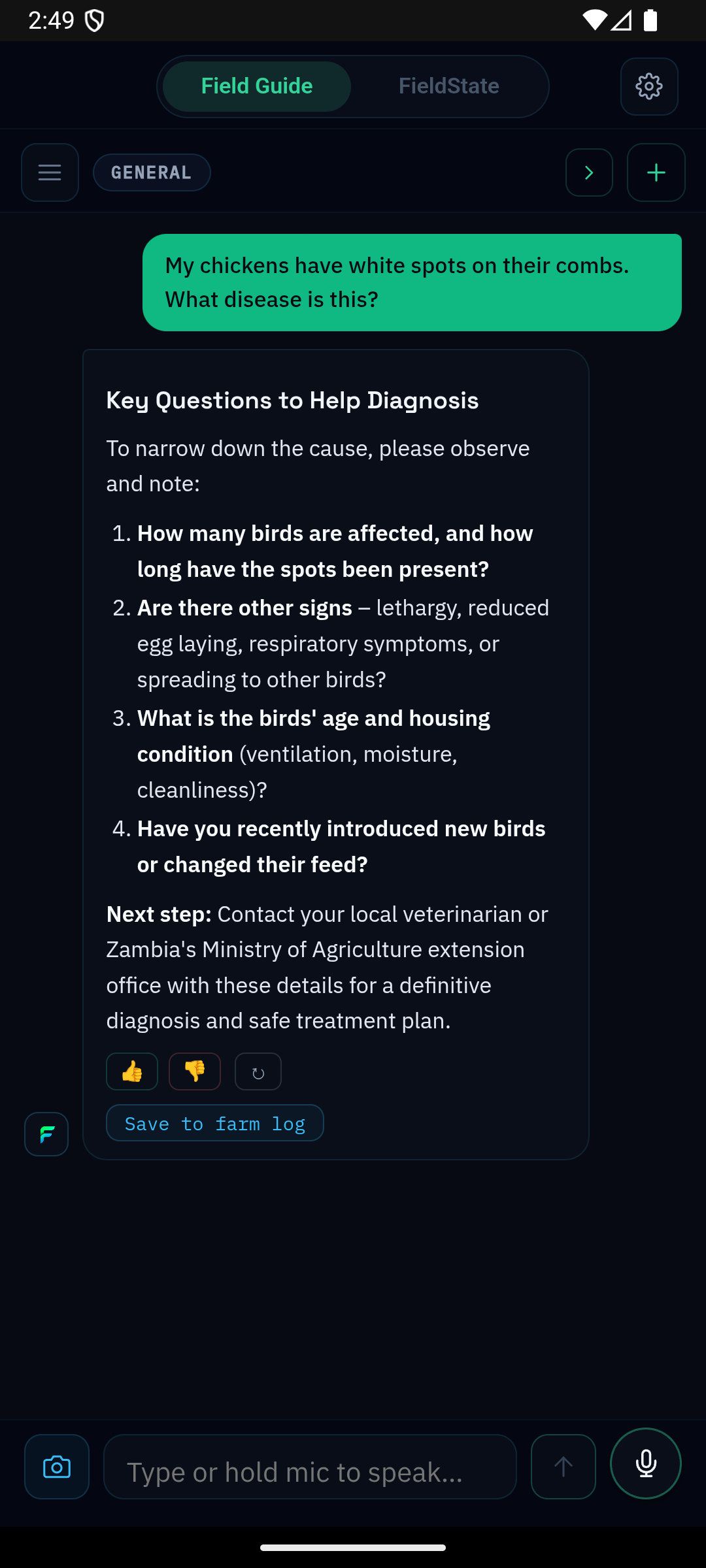
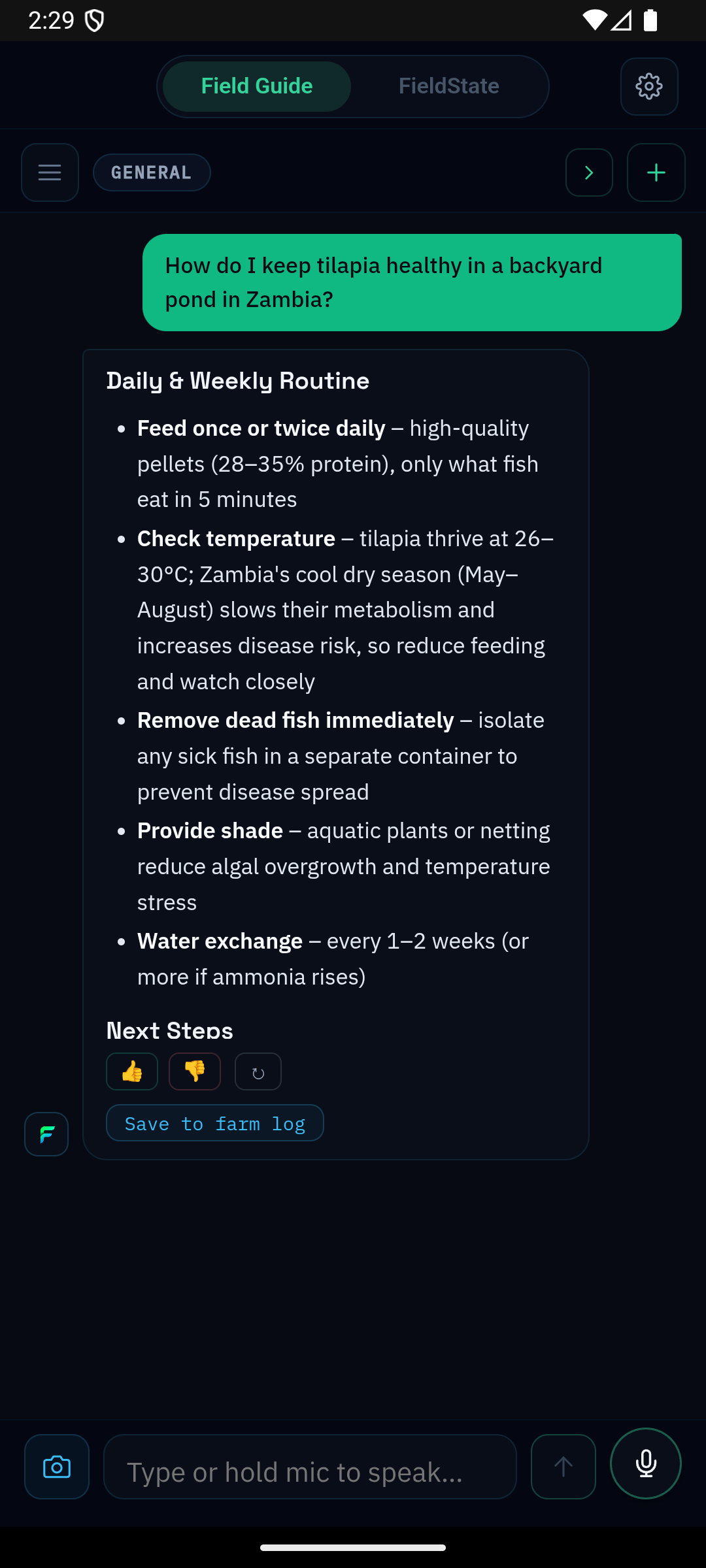
Crops, livestock, fish, even when the answer was off
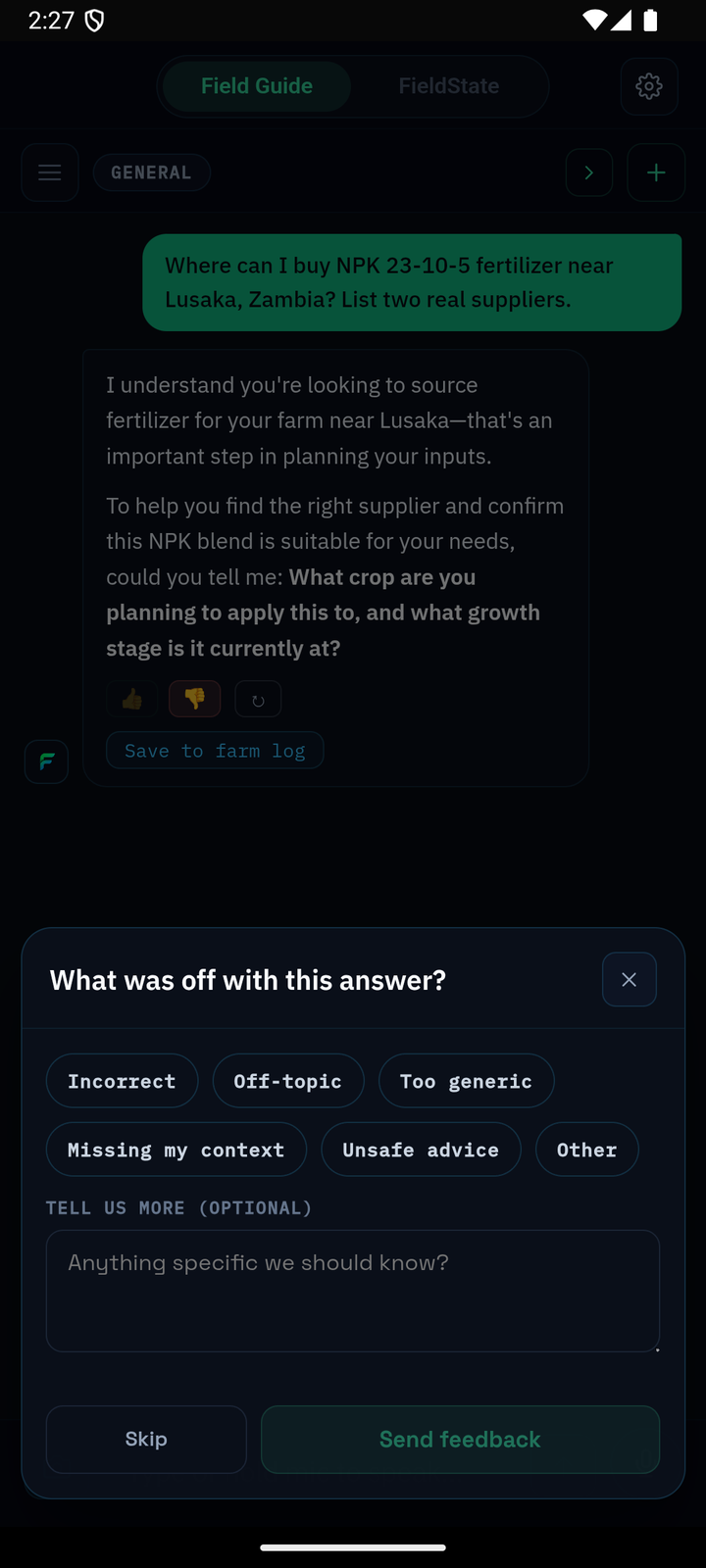
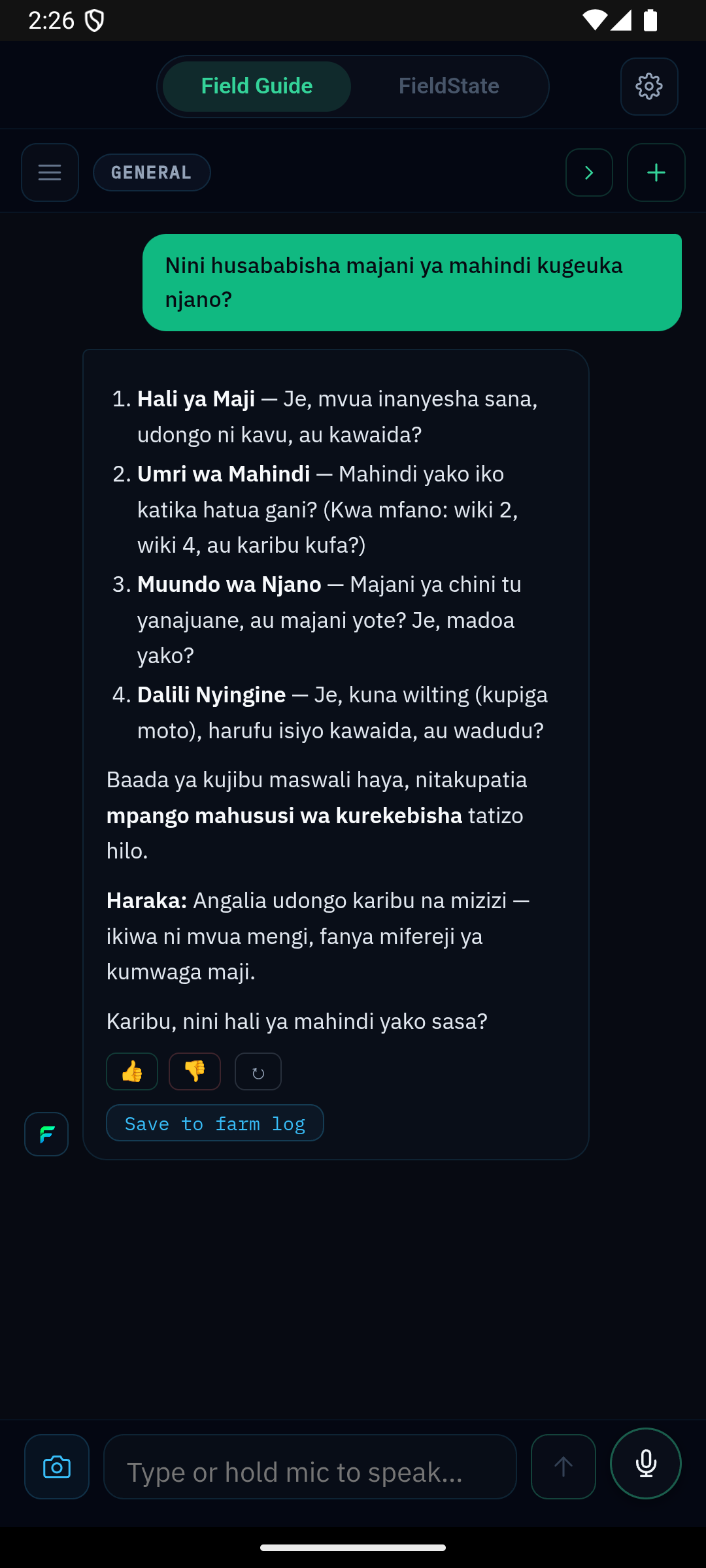
Real answers from the actual app
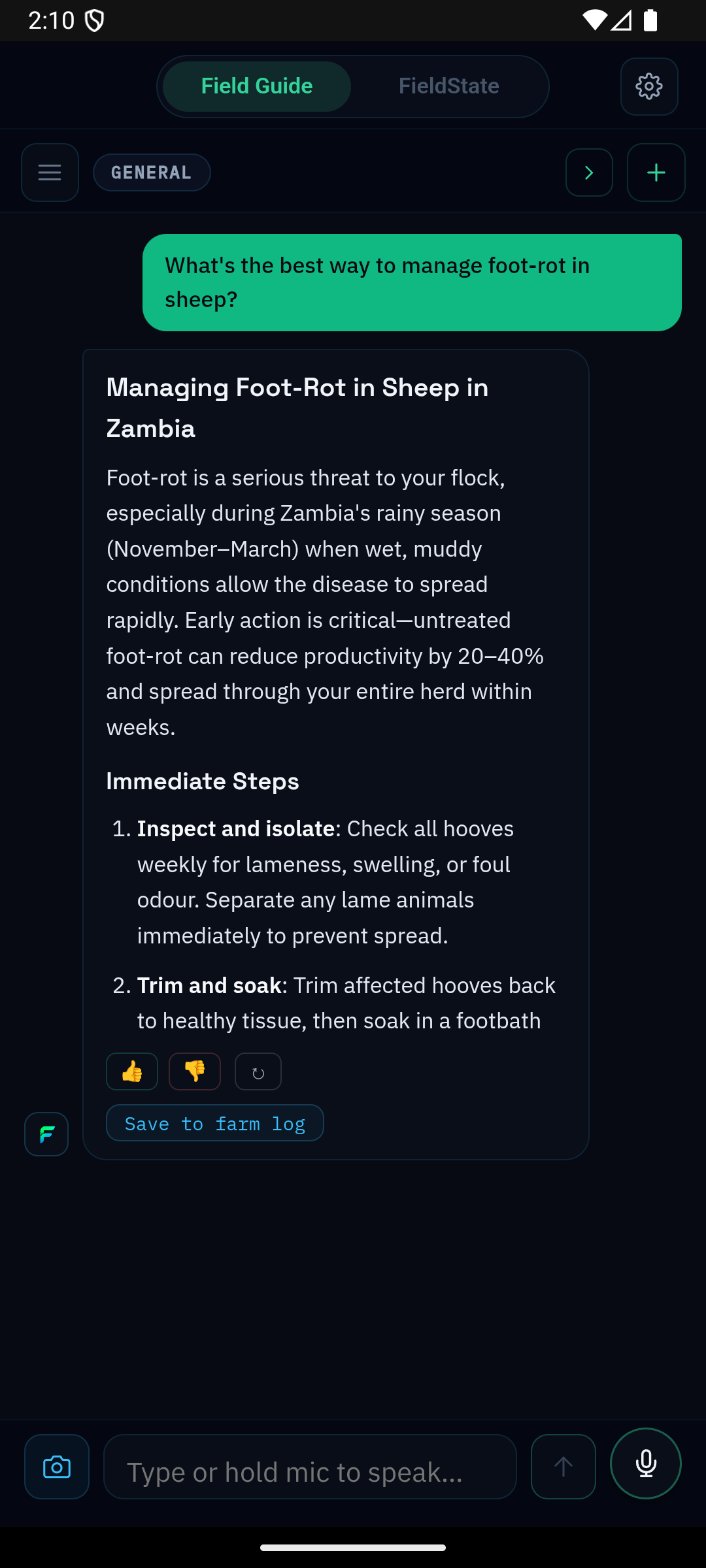
Not concept art. Four screens from real conversations, the kinds of questions farmers are already asking and the kind of feedback loop that keeps the answers honest.
The Farmer's Journey
From bare land to harvest and beyond
FieldGuide guides you through every stage of the crop cycle, from soil preparation through storage. See the journey. Get guidance at every step.
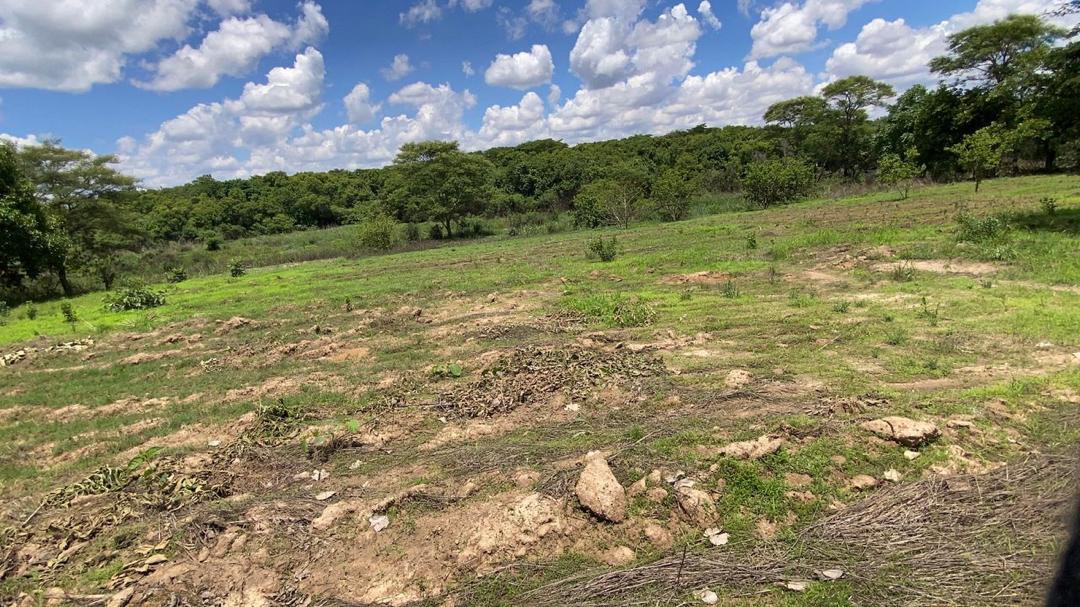
Soil & Land Preparation
Assess your land. Prepare the soil. Choose your varieties.
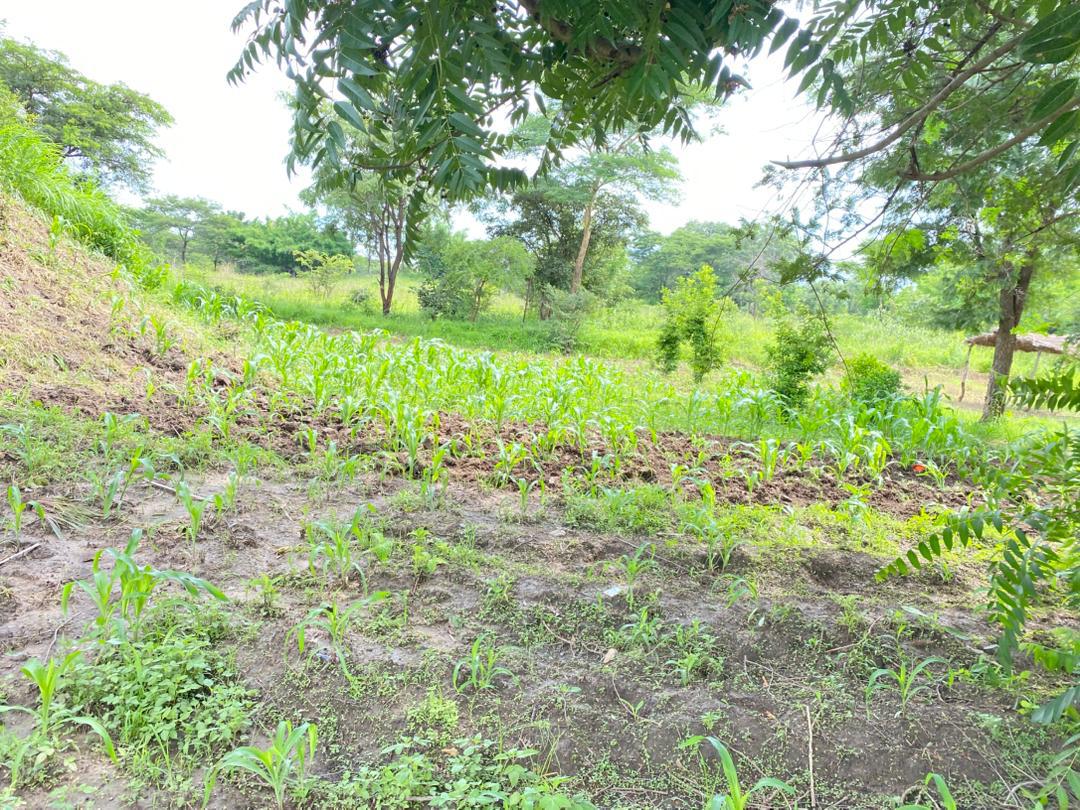
Growth & Development
Monitor crop stages. Spot early problems. Protect your plants.
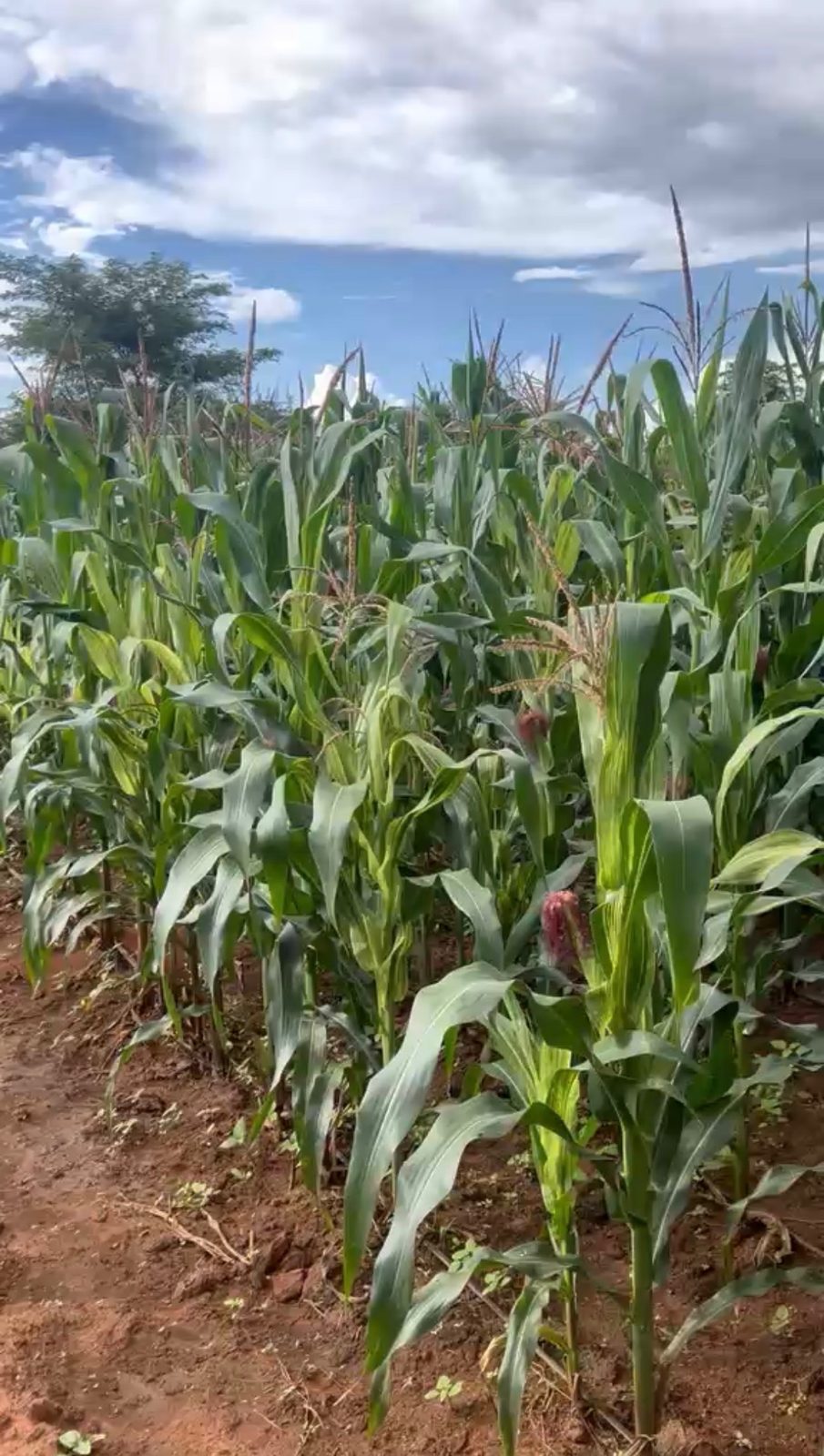
Flowering & Pollination
Critical stage. Manage pests. Ensure proper development.
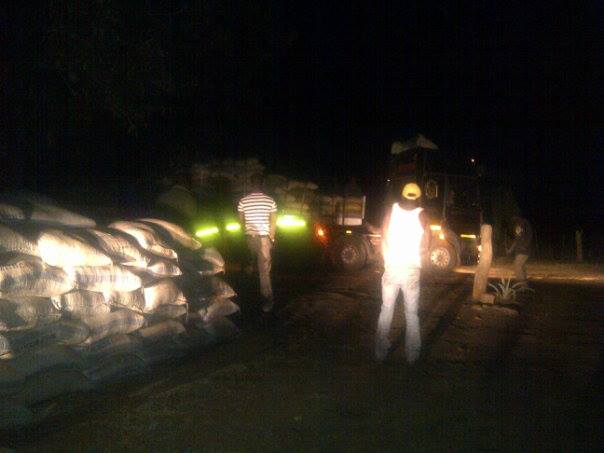
Harvest & Storage
Know when to harvest. Store safely. Plan next season.
Three pillars. One operating view.
Everything a farm team needs to stay in control
FieldGuide keeps operations focused on the three systems that determine whether the farm is getting stronger: crop execution, livestock continuity, and financial discipline.
Crops
Start a planting season, follow it through, close it when harvest is done. FieldGuide keeps track of every stage, so you always know where each crop stands in its cycle, no matter how many fields you're managing.
- Start and close planting seasons per crop
- Track multiple crops on the same farm
- Log field observations and crop conditions
- Get prompted at key growth stages
- Review season history when you replant
Livestock
Your animals don't follow a growing season, but they still need a rhythm. FieldGuide tracks herd numbers, health events, and feeding cycles so you always know the current state of your livestock, not just what it was last month.
- Track herd count by animal type
- Log health events, losses, and additions
- Record feeding and treatment history
- Flag animals that need attention today
- Understand patterns over time
Finance
Know what you're spending, what you're earning, and whether the farm is moving in the right direction. Log by crop, by animal, or by the whole farm. Simple enough to use every week. Clear enough to trust.
- Log income and expenses per farm or per crop
- Track spend on inputs, labour, and livestock
- Record sales and earnings at harvest
- See whether the season was profitable
- Mobile money transactions supported
How field work actually happens
Voice-first because the work does not stop
Farmers and field teams should not have to stop working just to use software. Voice keeps answers accessible when hands are full, light is harsh, and speed matters.
Ask questions without interrupting the job
Whether you are scouting maize, checking a sick animal, or reviewing farm spending, the app is designed to keep the workflow moving.
Speak, capture context, get the answer, and keep going. That is a usability advantage and an adoption advantage.
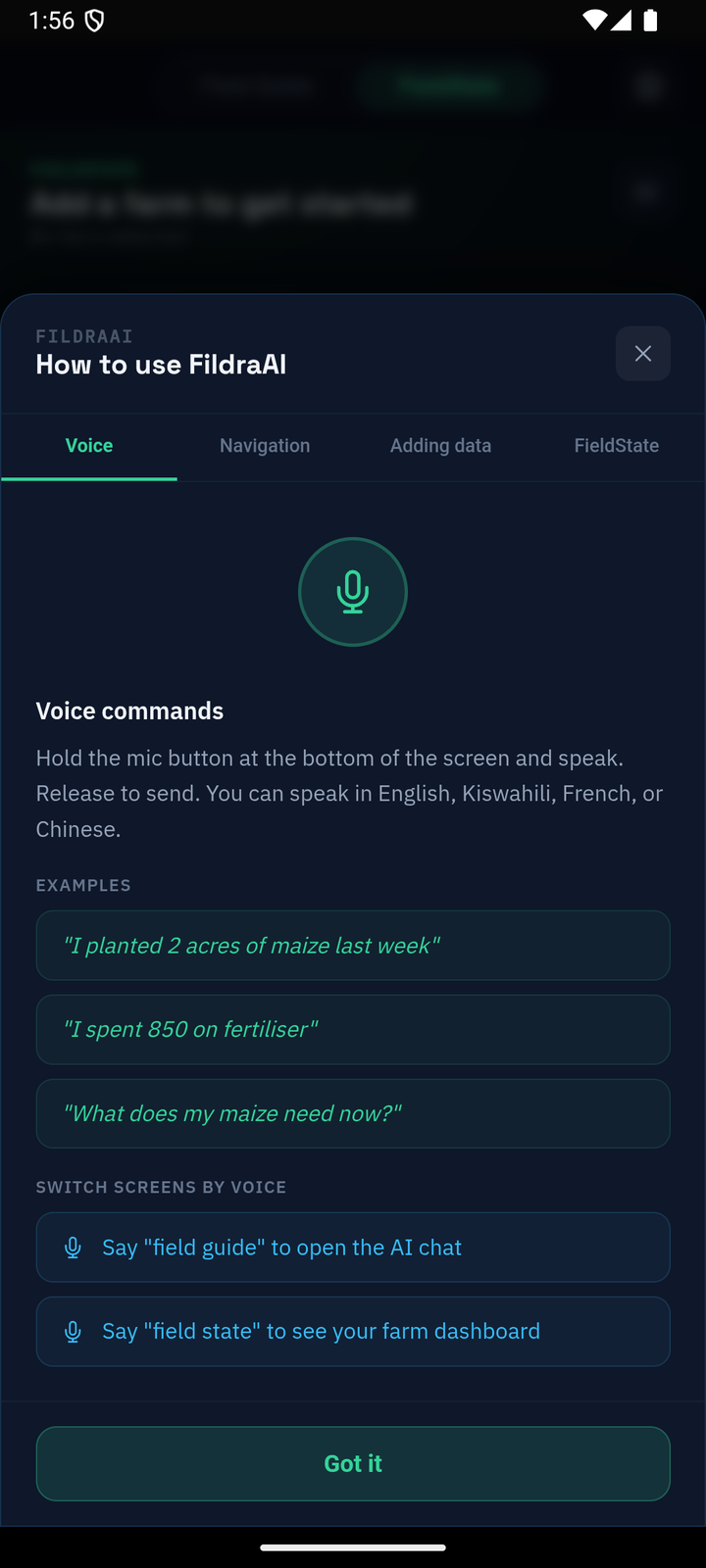
Hands Stay Working
No need to stop the task, clean up, or find a desk. Ask while the work is still happening.
Language Should Not Be a Barrier
Multilingual support makes the product more usable for the people doing the work, not just the people writing reports.
Faster Than Typing
Shorter time to answer means faster field action, especially when daylight, labor, and connectivity are constrained.
What You Can Do
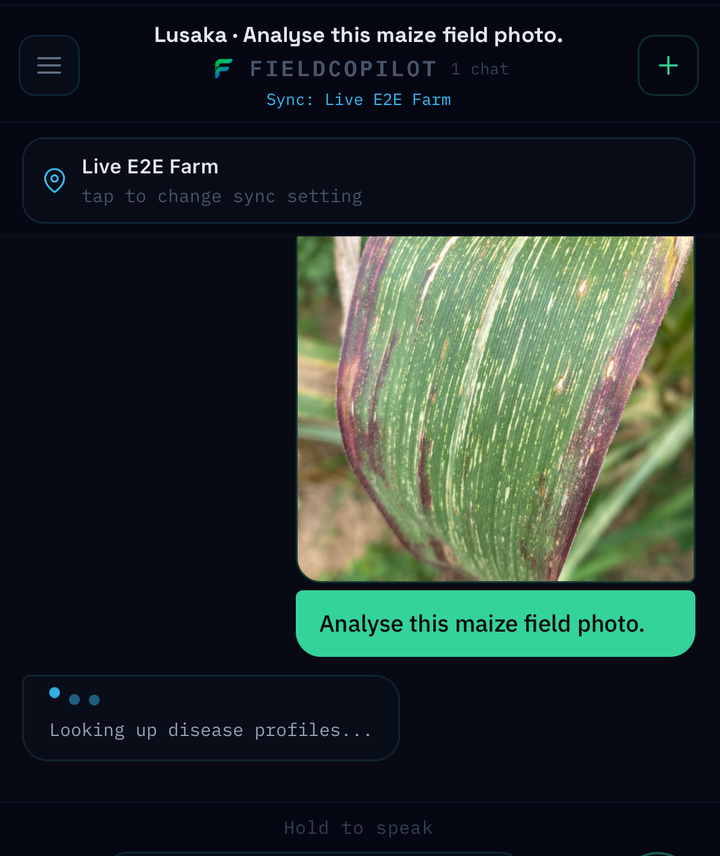
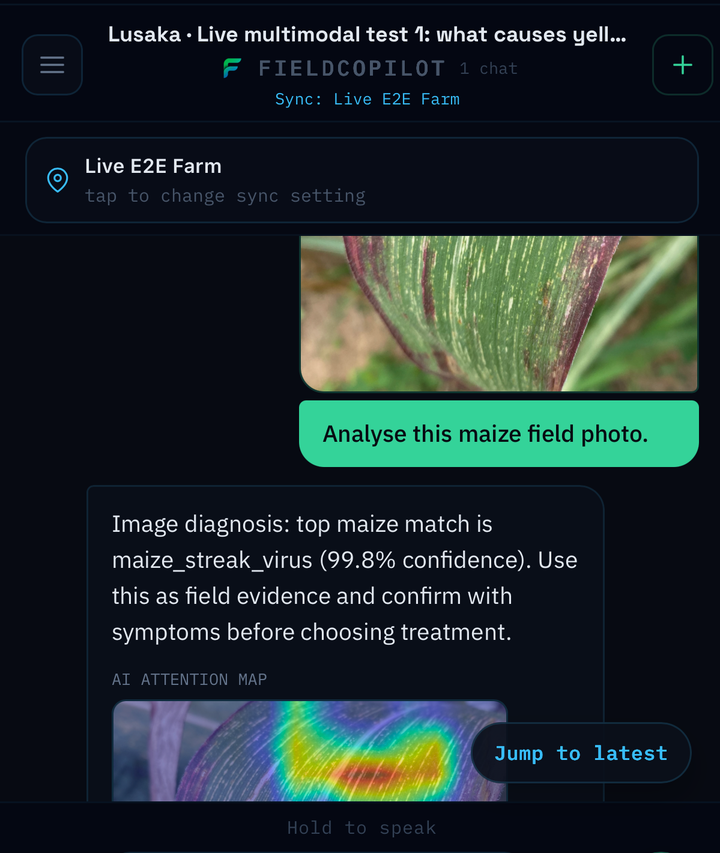
Show the Plant Problem While You See It
Snap the photo while you are standing in front of the issue. FieldGuide pulls the image into the conversation, runs a vision model on it, and shows you exactly which part of the leaf the model looked at to make its call.
- Photograph leaves, lesions, animals, or storage damage as you find them
- FieldGuide ties the image to the farm profile, crop, and location automatically
- An AI attention map shows what the model saw, so the answer is explainable, not a black box
Get Smart, Fast Answers
Answers come back in plain language with the confidence, timing, and context needed to act. The goal is not noise. The goal is usable next steps.
- Grounded recommendations instead of generic chatbot replies
- Confidence and reasoning that improve trust in the result
- Advice shaped by your crop, your weather, and your operating context
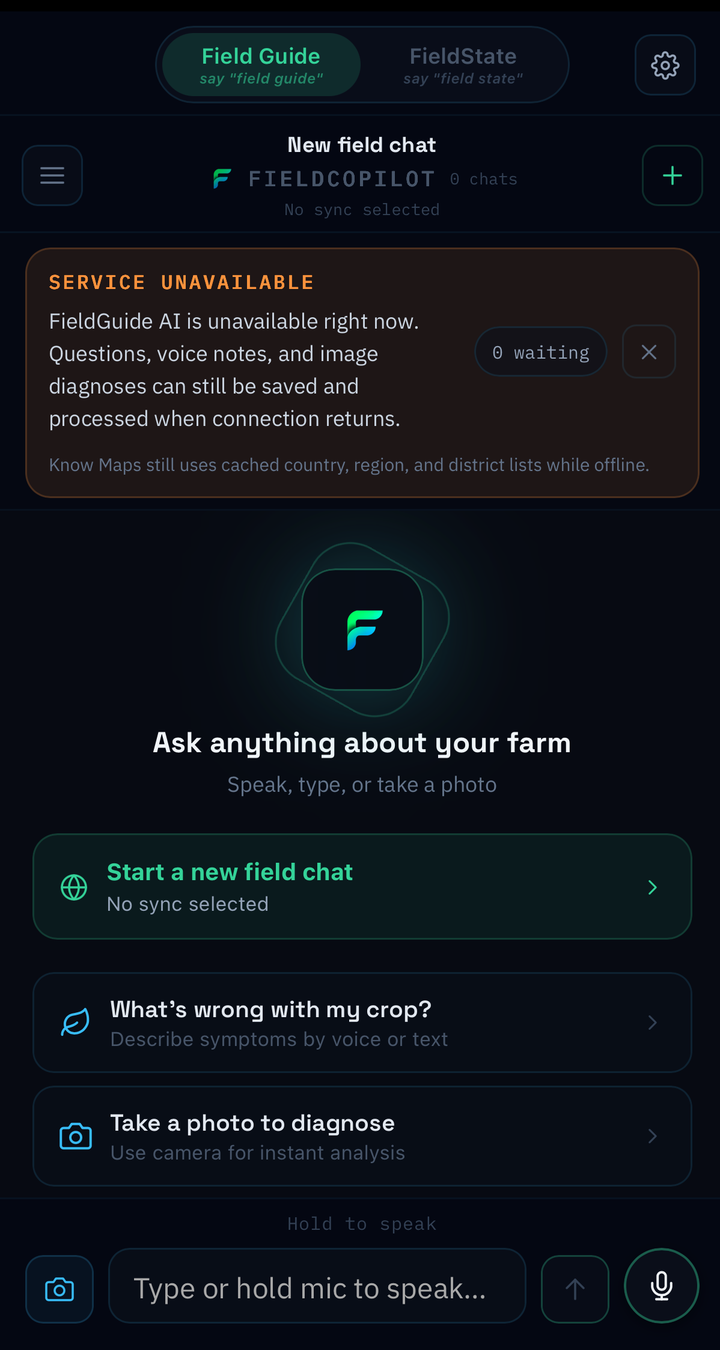
Works Anywhere, Anytime
Connectivity should not decide whether the farm stays organized. FieldGuide keeps core workflows available offline and syncs changes when the network returns.
- Field-ready workflows when signal is weak or absent
- A better fit for rural operations and distributed field teams
- Automatic sync when the connection comes back
Your Farm's Growing Memory
Every diagnosis, treatment, and decision becomes part of a usable farm record. That continuity creates a long-term advantage because the next season starts with memory, not guesswork.
- Retain history across seasons and production cycles
- See what actions worked before you repeat the same problem
- Build a stronger record for growers, advisors, and partners
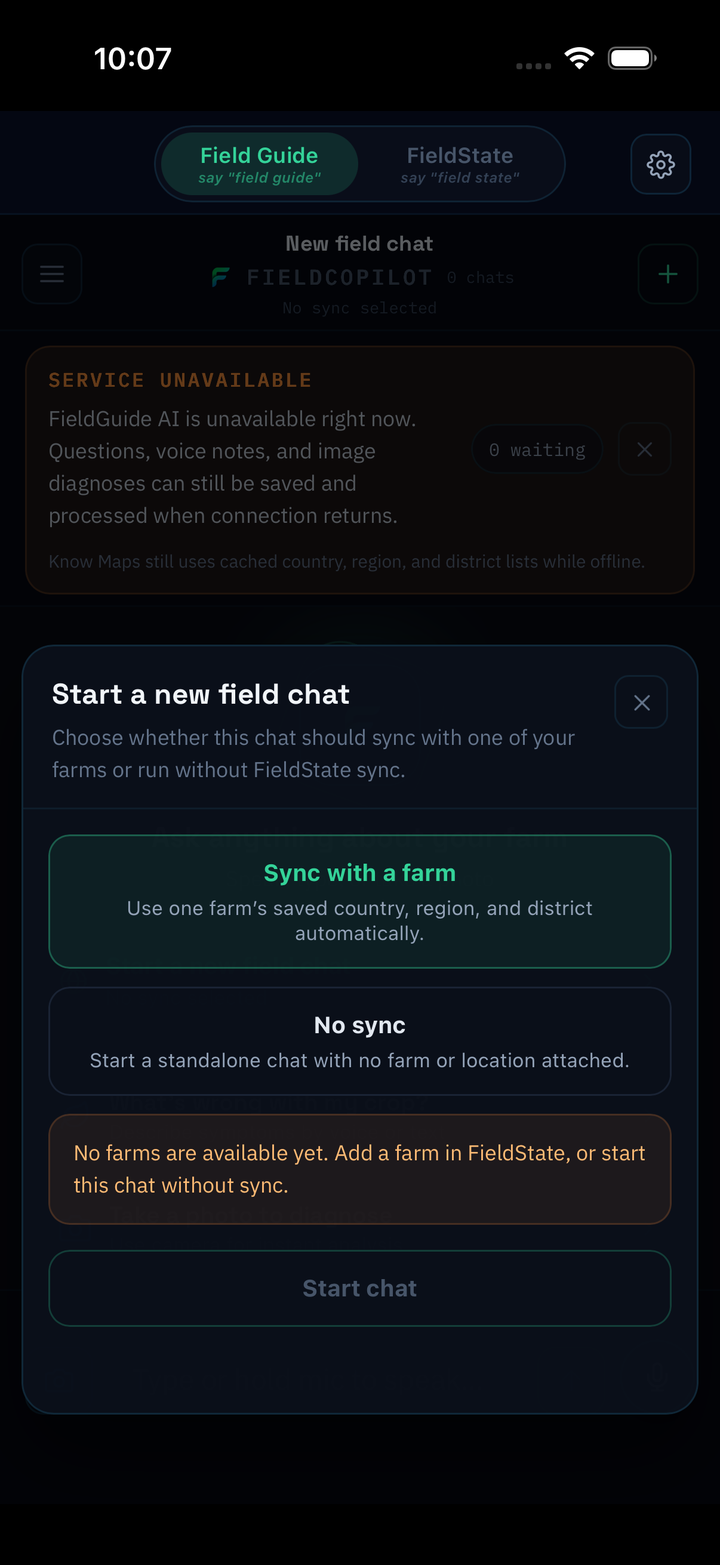
Built for where farms actually operate
Offline reliability is not a convenience feature. It is part of the product moat. FieldGuide keeps records moving, questions answerable, and operations visible even when infrastructure is inconsistent.
Next step
Bring field-ready guidance and farm memory into the way your farm already works.
Whether you are evaluating FieldGuide for your own farm, exploring a pilot, or looking for a deployment partner, start with the product that is built for low-connectivity agricultural reality.